Reports
Generating
Generate structured, clinically-reasoned report content from your client data, notes, and template prompts.
When you click Use Template, you're taken to the generate page — a full-screen editor with a context panel on the left. You configure what the AI knows, then generate content for each AI block in your template.
Steps
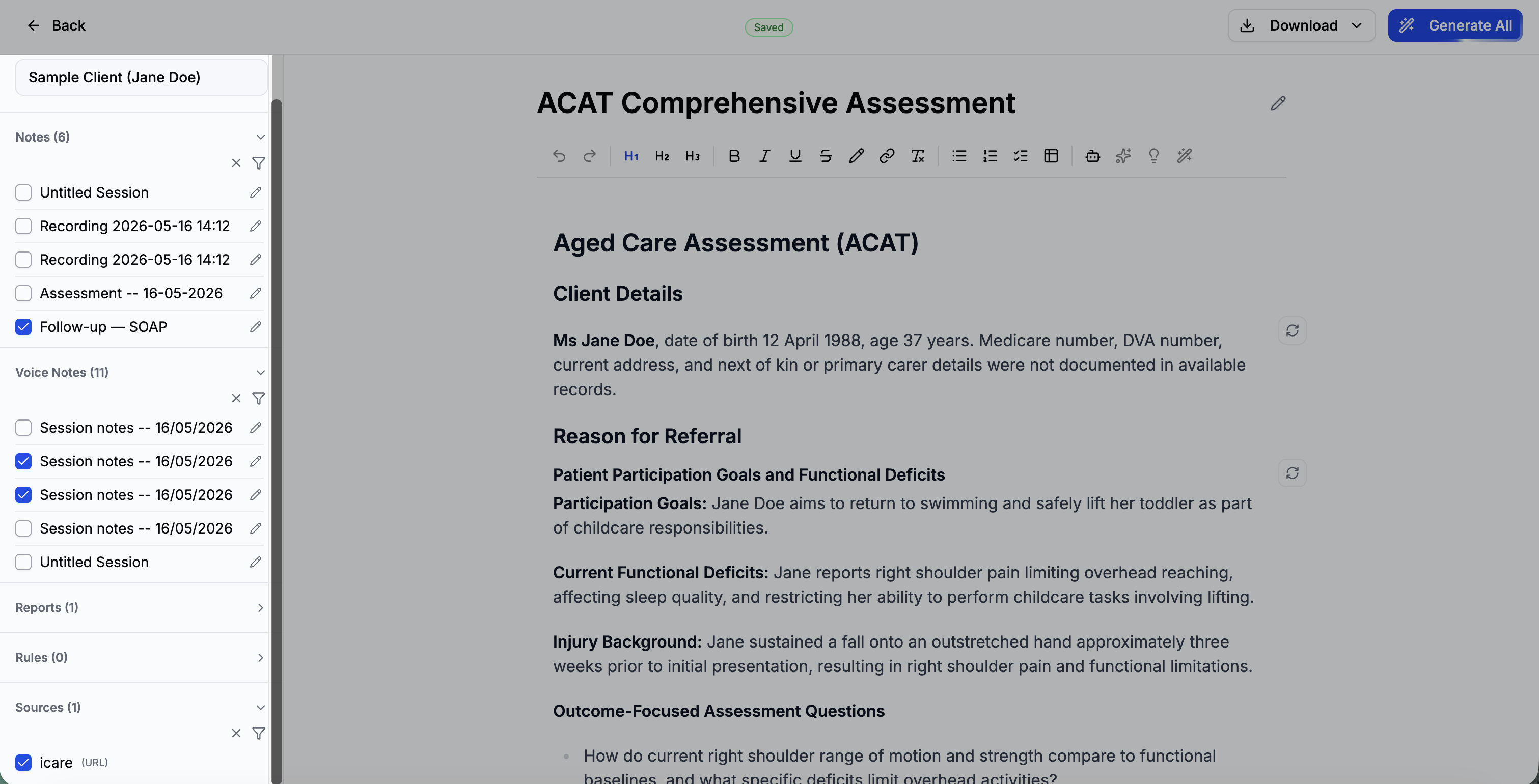
Select a client and attach context
The left sidebar lets you configure what information the AI receives. Select a client from the dropdown — their details are automatically included. Then check any notes, voice note transcripts, or uploaded documents you want to include as context.
- Attachments — check the box next to any text notes, voice note transcripts, or uploaded documents to include them.
- Sources — reference documents you've uploaded. Check any that are relevant to this report.
- Rules — organisation rules are always applied. Personal rules are on by default but can be toggled off.
Click Generate All
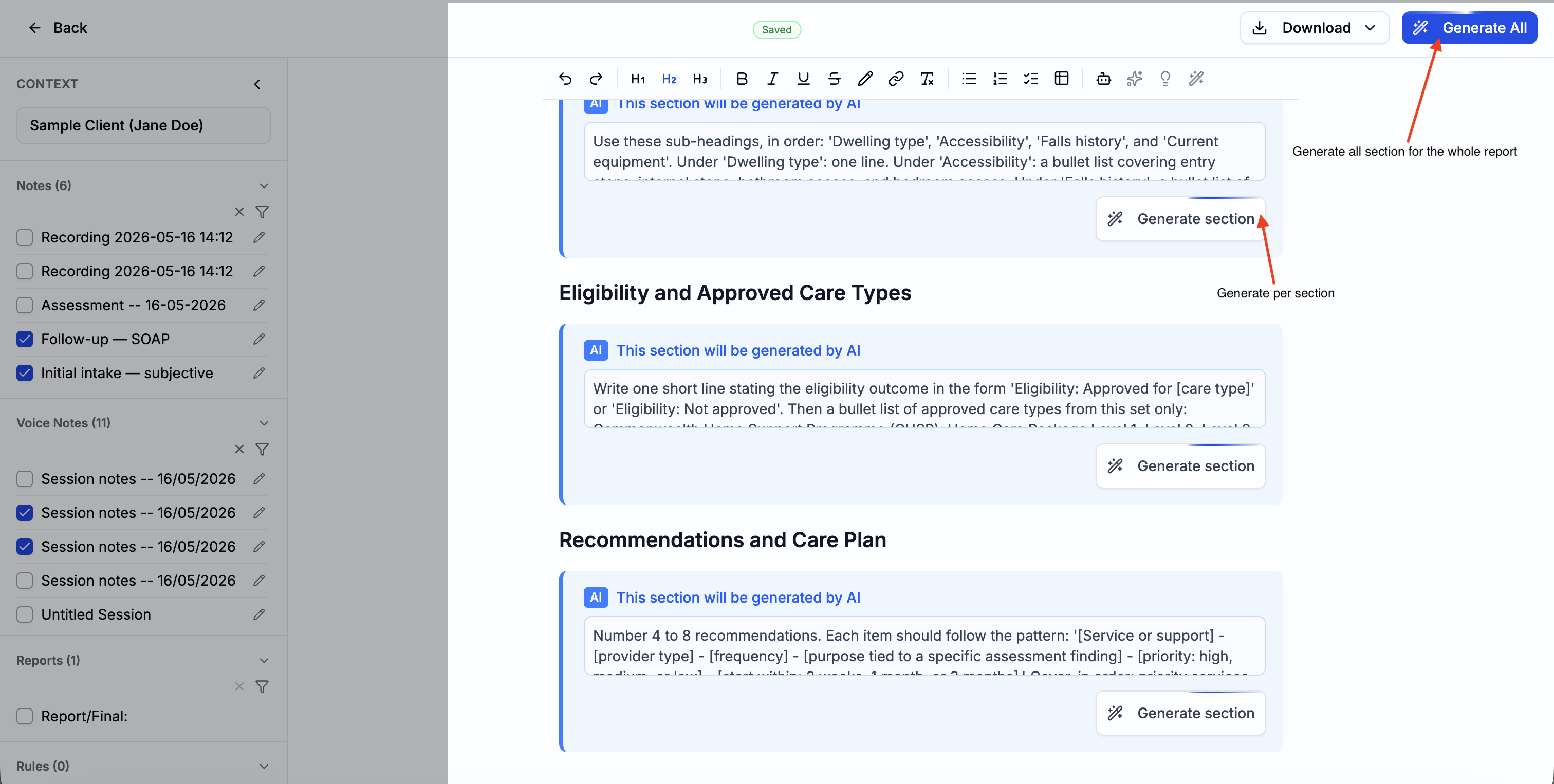
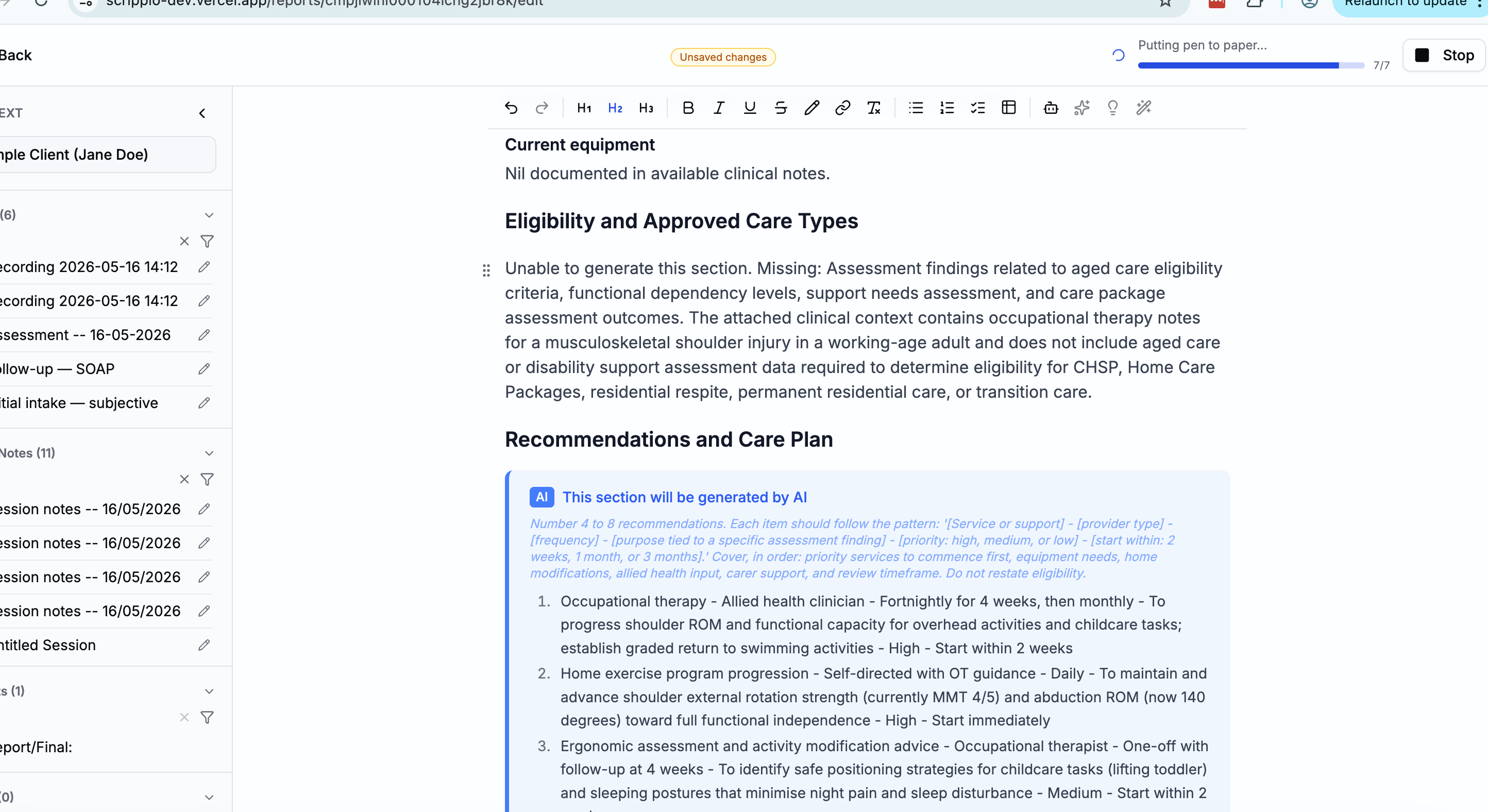
Click Generate All to fill every AI block at once. The AI processes each block sequentially, streaming text in real time so you can watch the content appear. A progress indicator shows "1 / 3", "2 / 3", etc.
You can also generate individual blocks by clicking the generate button on a specific AI block.
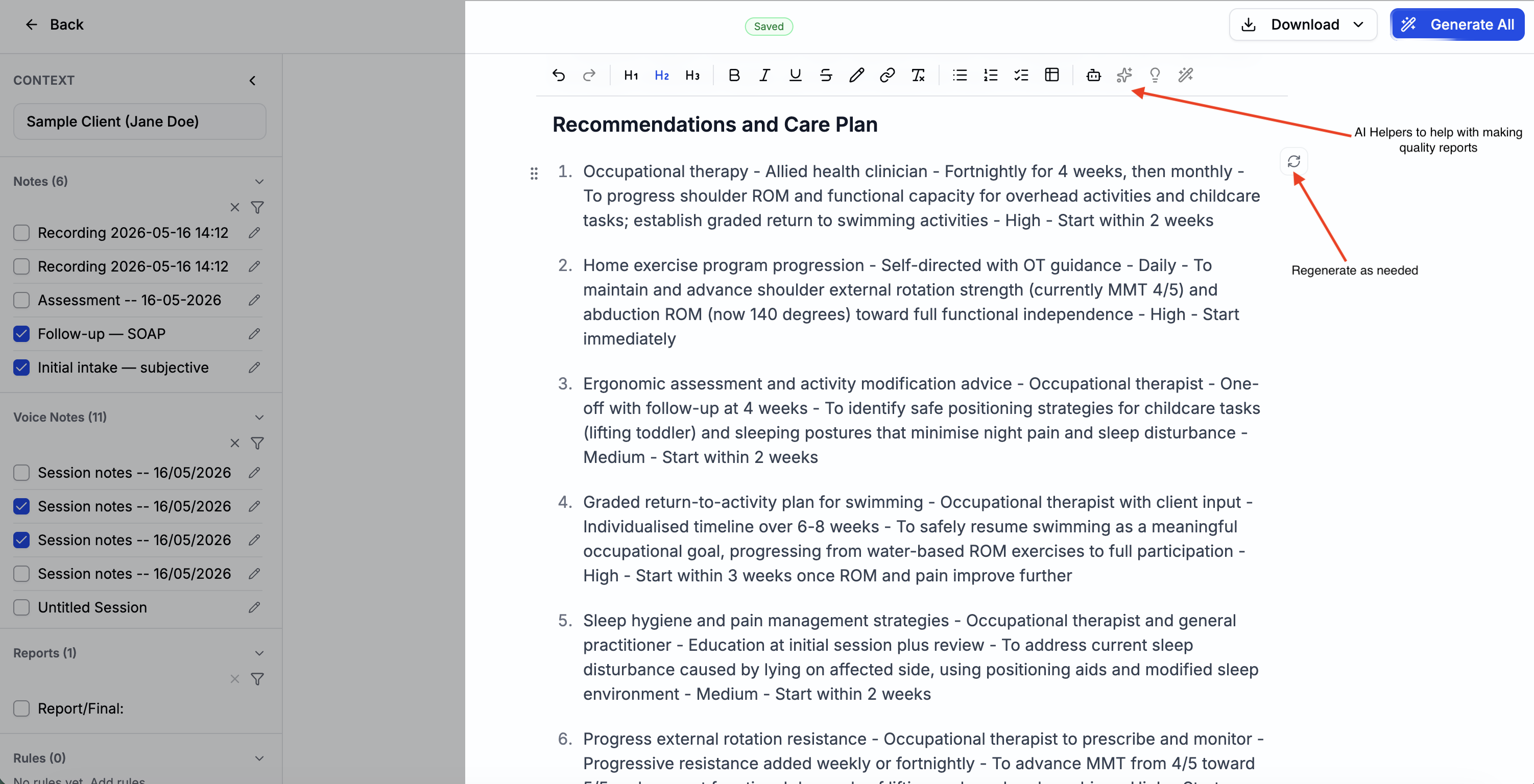
Review and edit
After generation, the entire document is fully editable — the AI output is plain rich text, not locked content. Each generated section has a small marker on the right edge with a regenerate button. Click it to re-run that section (you can optionally edit the prompt before regenerating).