Trusted by clinicians across allied health
See the AI in action
Choose a report type, add optional session notes, and we'll generate a section so you can judge the quality yourself.
- 1
Purpose of the Report
Write two short paragraphs. Paragraph 1: state the client's age and sex, the referrer, the reason for referral (an OT functional assessment to determine current functional status and support needs), and the assessment details. Paragraph 2: state that the report presents background, assessment outcomes, functional status and recommendations for the upcoming NDIS plan review.
- 2
Medical and Surgical History
Open with a bullet list of the client's diagnoses, each with year of onset where known, primary diagnosis first. Then write 1 to 2 short paragraphs expanding the most functionally significant condition.
- 3
Social Background
Write 1 to 2 short paragraphs covering: who the client lives with, their primary caregiver, informal supports, current formal supports, and any change in employment or community participation.
- 4
Home Environment
Use labelled lines for Dwelling, Ownership, Front access, Rear access, Internal, Bedroom, Bathroom, and Toilet. For each, write one concise factual description relevant to mobility, transfers and safety.
- 5
Current Level of Functioning
Write labelled sections for Mobility, Functional Transfers, Self-Care, and Domestic and Community Participation. State the level of assistance required for each activity.
- 6
Assessment Findings
Write one short paragraph synthesising the findings into an overall statement of the client's functional capacity and the gap between current supports and assessed need.
- 7
Recommendations
Write a numbered list of 4 to 8 recommendations. Each item follows the pattern: recommendation, rationale tied to a specific finding, and frequency or review timeframe.
- 8
NDIS Justification
For each major recommendation, write one short paragraph justifying it against the NDIS reasonable and necessary criteria.
The AI generates each section using clinical reasoning from your notes — not a fill-in-the-blanks template.
Your time is worth more than report writing
Allied health clinicians spend up to 40% of their week on documentation. Scrippio gives that time back.
45 min → 5 min
Per report
What used to take 45 minutes of writing now takes 5 minutes of review.
5+ hours
Saved per week
Clinicians writing 8+ reports a week reclaim an entire half-day for client-facing work.
Pays for itself
On your first report
At typical NDIS hourly rates, 40 minutes of saved documentation time is worth more than a month of Scrippio.
Everything you need to document faster
From templates to export—a complete workflow built for clinical report writing.
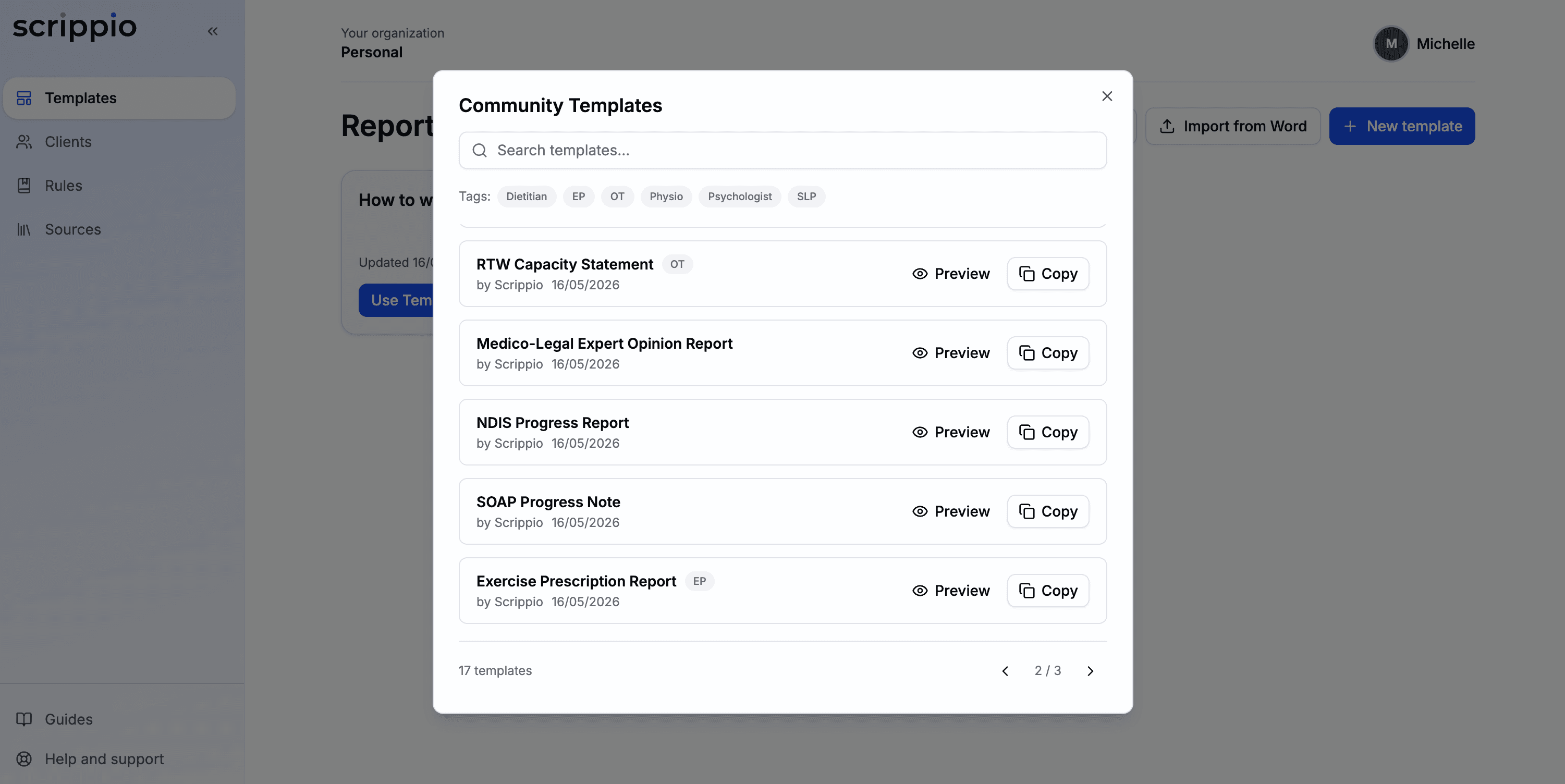
Custom Templates
Build your own report structure or import an existing Word template. Every section, exactly how you work.
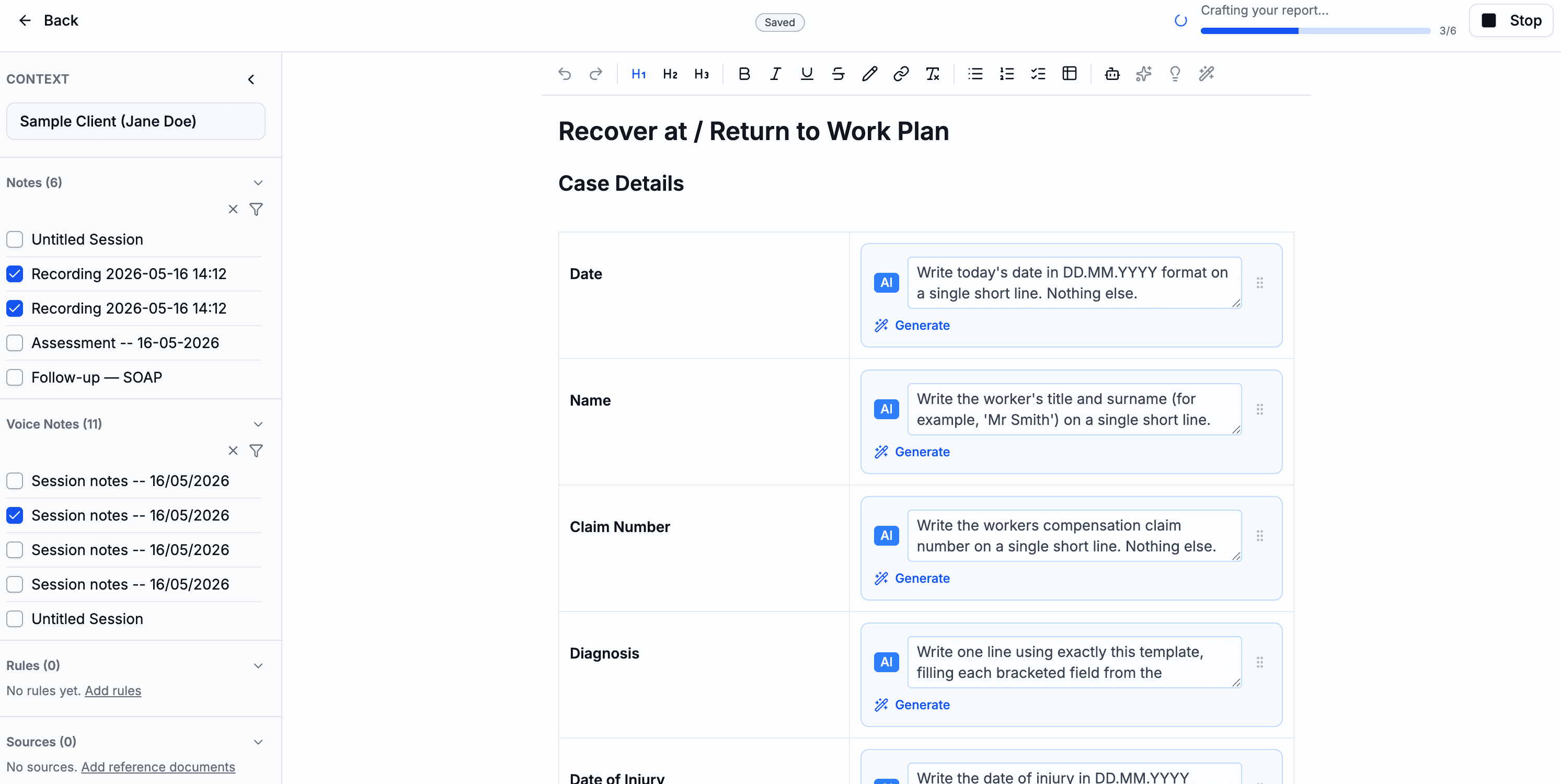
AI-Powered Generation
Clinically reasoned content adapted to your discipline, not generic filler. Review and edit before you export.
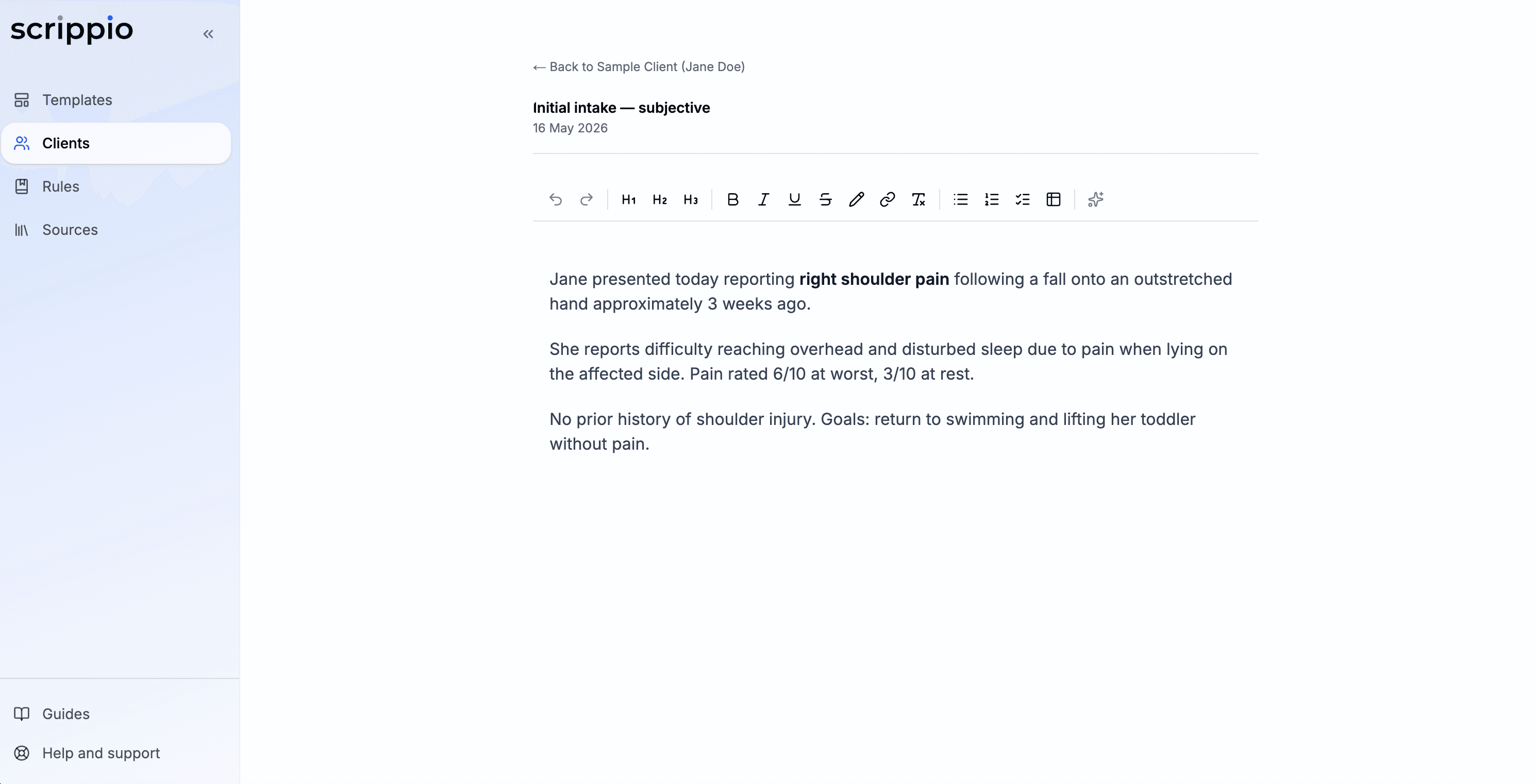
Take Notes
Type session notes, record audio, or upload files. Reports, referrals, assessments, anything. It all attaches to the client and feeds into generation.
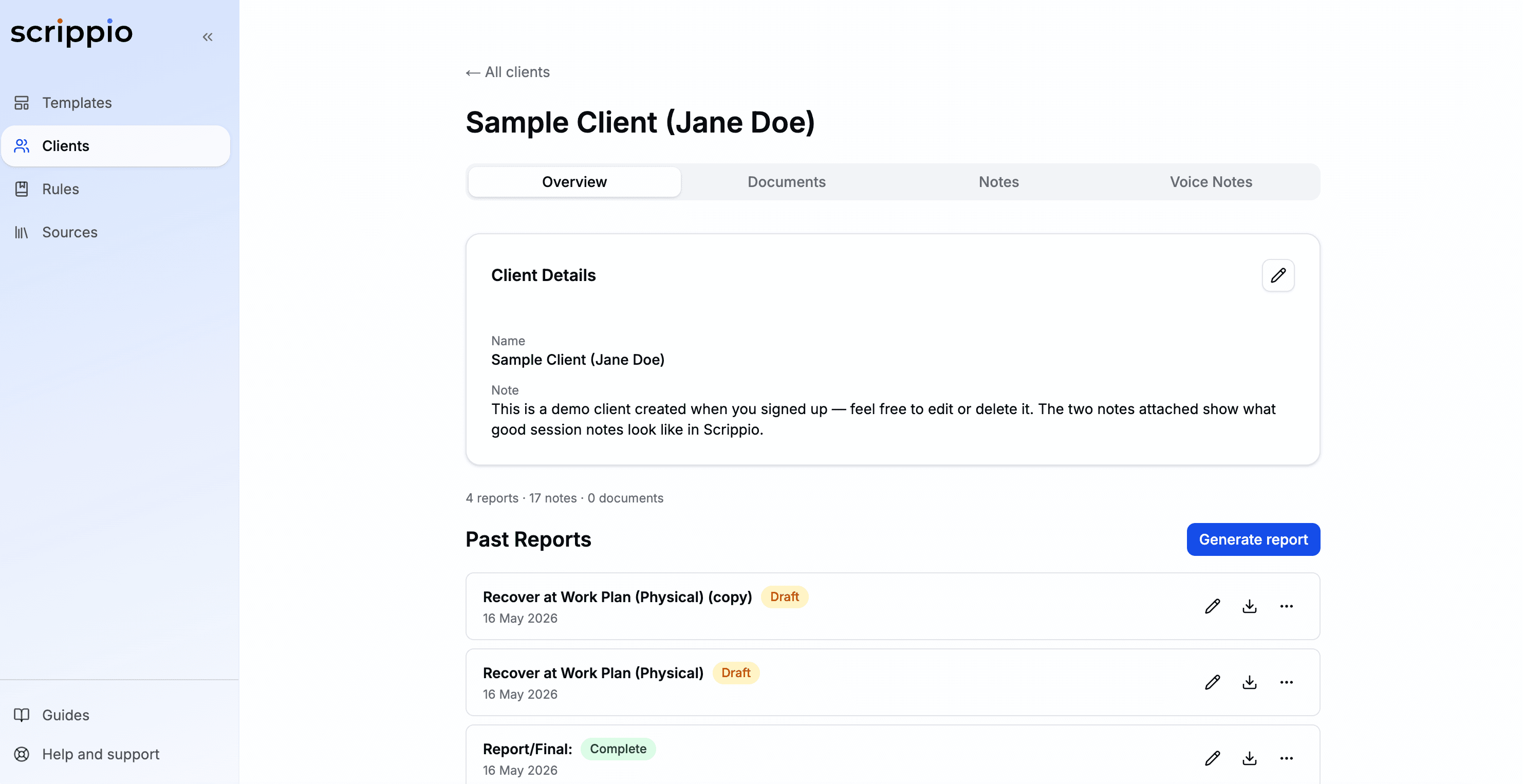
Client Management
Keep all client details, notes, and past reports in one place. Select a client and go.
Your data is never used for AI training. Encrypted in transit, compliant with the Australian Privacy Act.
Three steps to your draft report
Set up once, generate reports in seconds from then on.
Create or import a template
Build from scratch, import a Word document, or copy one from the community library.
Add your context
Select a client, attach notes, voice recordings, or documents. The AI uses everything you provide.
Generate and refine
AI fills each section with clinically reasoned content. Edit inline, regenerate blocks, then export the document.
Start saving hours on your reports today
Join allied health clinicians already using Scrippio to generate draft reports in seconds instead of hours.
7-day free trial - no credit card required